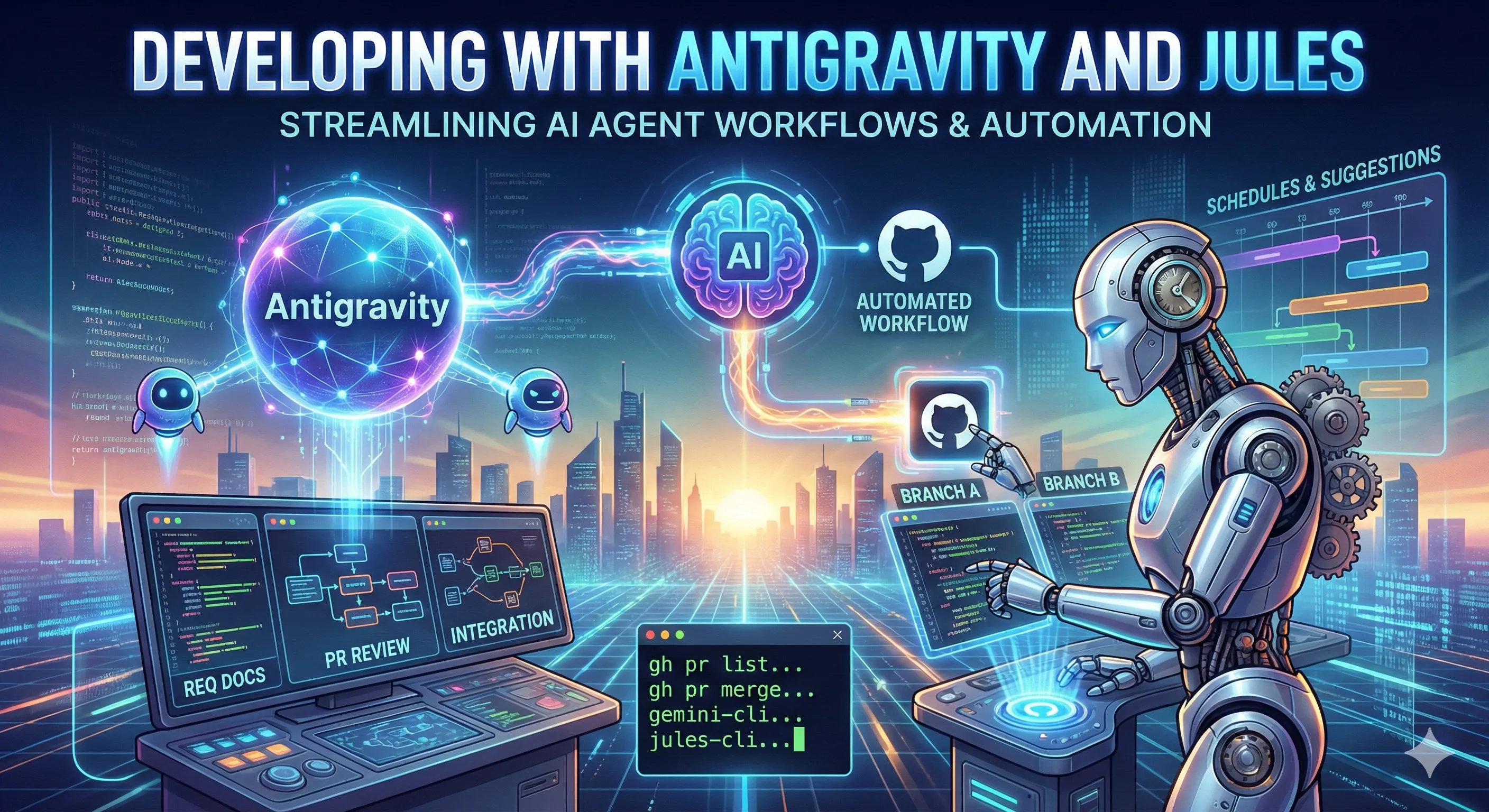
Since the release of Antigravity, I have been using it to develop various projects of all sizes.
Preface: I Also Want to Develop the Lazy Way
Watching more and more developers in the community work day and night with Claude Code to achieve long-term, continuous AI Agent project development made me want to see how far I could go with Antigravity. As a big fan of Google products, I have high expectations for Antigravity!
Antigravity: Multi Agent Manager
Initially, I tried to handle the Agent Manager by following existing patterns, allowing me to develop the same project across different sessions simultaneously. My plan was as follows:
- Session 1: Responsible for generating two sets of requirement documents and system analysis documents, clearly defining the development content. Also handled subsequent PR reviews and code integration.
- Session 2: Understand the documents from Session 1, develop based on requirement document
Aand its system analysis, create a separate branch, follow the GitHub flow, and submit a PR. - Session 3: Understand the documents from Session 1, develop based on requirement document
Band its system analysis, create a separate branch, follow the GitHub flow, and submit a PR.
In total, there were three sessions: one acting as the foreman (spec writing, PR review) and two acting as workers responsible for development.
Pain Points: Frantic Switching Between Sessions
Although branded as an Agent Manager, it is essentially a GUI tool that still requires human supervision. I often found myself in a situation where Session 3 was still typing while Session 2 had already finished, and before I could paste Session 2’s PR number to Session 1, Session 3 also finished. Ultimately, the speed was still limited by human interface interaction, preventing true, fully automated development.
Another major issue was the extremely rapid token consumption in this scenario. I exhausted my Claude Opus 4.5 tokens after completing just two sets of tasks. This was a significant burden, and continuing this way would surely lead to the penalty mechanism for the weekly rate limit.
Solution: Jules
This reminded me of Jules, an AI tool Google launched before Antigravity that focused on asynchronous development. I hadn’t checked it in a while, and to my surprise, it now features two new capabilities:
Schedules and Suggestions. It also supports development using Gemini 3 models.
Because of this, I decided to adjust my development workflow. I relegated the Sub Agent’s tasks to Jules, leaving my Antigravity tasks focused solely on producing requirement/system analysis documents, final PR reviews, and code integration.
- Antigravity: Write workflows and skills to define code review standards and use the
ghcommand for PR reviews. - Jules: Develop and submit PRs based on the documents produced by Antigravity.
Suddenly, things became much smoother, and token consumption decreased! For Antigravity, it can now intervene directly during the review phase to handle follow-up fixes or derivative development for the PR. Jules only needs to implement development tasks with clear specifications; for this level of work, the Gemini 3 model is sufficient for 80-90% of cases.
After testing this for over a week, I only need to quickly skim through PRs during my morning commute to confirm progress. Any follow-up details can be handled by Antigravity after I get to the office.
This collaboration style makes the rhythm less frantic and more composed. Humans only need to review Antigravity’s review results—it’s like having someone verify everything before the final PR review.
At the same time, there’s enough token credit left for planning and writing documentation for new features, ensuring overall development quality.
Future Exploration: True Automation via CLI Tools?
As the title suggests, the future inevitably points toward using gemini-cli to handle fully automated development.
We can use gemini-cli to trigger jules-cli, initiating new specification writing and development workflows.
Of course, to prevent the project from spiraling out of control in the early stages, I plan to implement this with a single-threaded approach first to avoid human intervention caused by version control conflicts in multi-threaded development. But that’s a story for another time.
Task Delegation
crontab->gemini-cliproduces full system analysis documents ->jules-cliperforms development -> Submit PR
Review & Merge
crontab->gh-cli(gh pr list) finds a PR ->gemini-clireviews based on workflows and skills -> If review succeeds ->gh-cli(gh pr merge)crontab->gh-cli(gh pr list) finds a PR ->gemini-clireviews based on workflows and skills -> If review fails -> Attempt manual intervention/fixes or send email notification ->gh-cli(gh pr comment)
    sequenceDiagram
    autonumber
    participant Cron as Crontab
    participant Gemini as Gemini CLI
    participant Jules as Jules CLI
    participant GH as GitHub CLI (gh)

    Note over Cron, GH: Phase 1: Task Delegation
    Cron->>Gemini: Trigger task
    Gemini->>Gemini: Produce system analysis documents
    Gemini->>Jules: Pass development specs
    Jules->>Jules: Perform code development
    Jules->>GH: Submit Pull Request (PR)

    Note over Cron, GH: Phase 2: Review & Merge
    Cron->>GH: Check PR list (gh pr list)

    alt No PR
        GH-->>Cron: List is empty, end
    else PR found
        Cron->>Gemini: Request Code Review
        Gemini->>Gemini: Read Workflow/Skill

        opt Review Passed
            Gemini->>GH: Execute merge (gh pr merge)
        end

        opt Review Failed
            Gemini->>Gemini: Attempt code fix or send email
            Gemini->>GH: Leave a comment (gh pr comment)
        end
    end